
Your file infrastructure is likely bleeding budget in one of two ways: paying premium rates for simple storage or failing to deliver optimized assets at scale. The fix starts with distinguishing “ingestion” from “management.”
Why This Matters Now
In 2026, the line between “file uploader” and “digital asset management (DAM)” has blurred, yet the pricing models remain drastically different. Tech leaders often default to Cloudinary for its brand name, only to realize they are burning expensive “credits” on simple archival storage. Conversely, teams choose Filestack for simplicity but hit a wall when they need complex, AI-driven media transformations. Making the wrong choice today means migrating terabytes of data under duress tomorrow.
Executive Playbook
1. Audit Your “Input vs. Output” Ratio
The primary architectural difference lies in where the value is generated.
-
Choose Filestack if your primary pain point is Ingestion. If you need to accept files from users (via Google Drive, Dropbox, or local uploads) and ensure they land safely in your S3 bucket without failing, Filestack is the superior “gateway.” It specializes in the “first mile” of file handling—getting data in reliably.
-
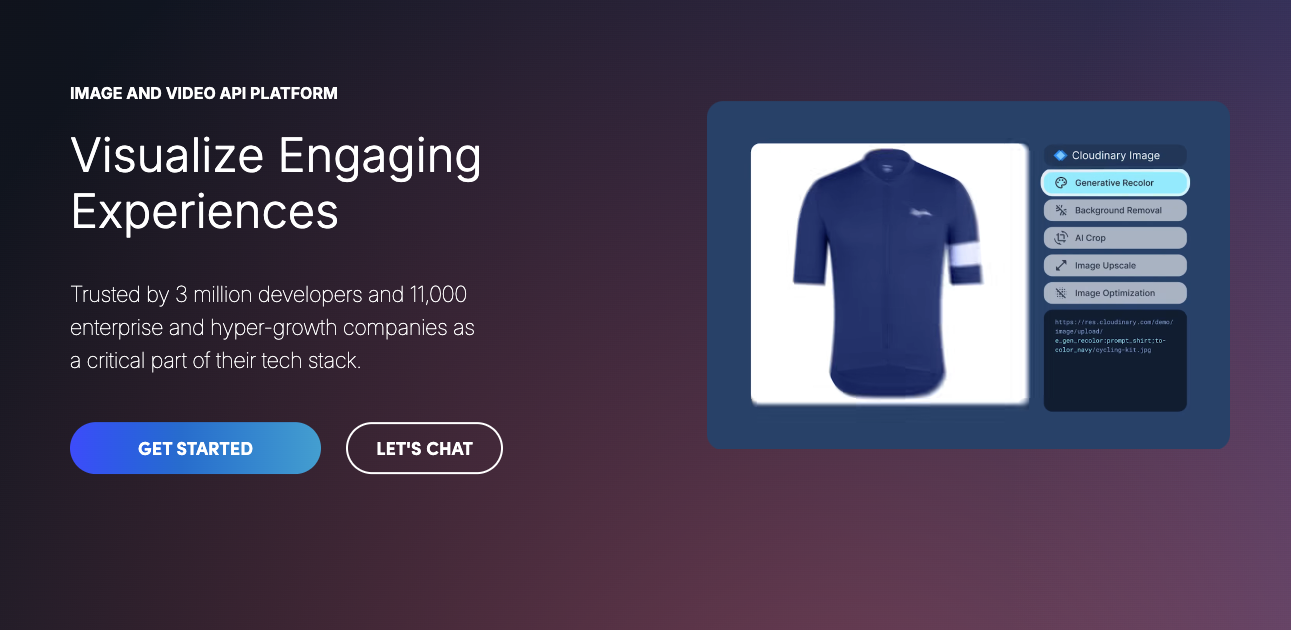
Choose Cloudinary if your primary pain point is Delivery. If your value comes from how files are displayed (auto-cropping for mobile, formatting video for different bandwidths, generative AI background removal), Cloudinary is the superior “engine.” It specializes in the “last mile”—getting media out perfectly.
2. The Make.com “Litmus Test”
Your automation strategy reveals the best fit.
-
Filestack on Make.com: Best for security and compliance workflows. Its modules excel at processing the file itself upon arrival.
-
Key Actions:
Virus Detection,OCR(Optical Character Recognition), andDocument Conversion. Use this to sanitize user uploads before they touch your servers.
-
-
Cloudinary on Make.com: Best for creative and marketing workflows. Its integration focuses on modifying the visual asset.
-
Key Actions:
Transform Image,Add Tag, andUpdate Resource. Use this to auto-watermark images or generate thumbnails instantly upon upload.
-
3. Pricing Reality Check: Bandwidth vs. Credits
-
Filestack: Uses a traditional, transparent model based on bandwidth, storage, and number of uploads. It is generally more predictable for high-volume, low-complexity storage needs.
-
Cloudinary: Uses a “Credit” system. One credit equals 1,000 transformations, OR 1GB of managed storage, OR 1GB of net bandwidth. This “rolling 30-day” calculation can be dangerous if you have high bandwidth usage (e.g., serving heavy videos) without needing complex transformations. You pay a premium for the potential to transform, even if you store.
Watch Out: Cloudinary’s “Credit” system consumes credits for both storage and bandwidth. If you use it as a dumping ground for raw user files you rarely display, your costs will balloon compared to Filestack or direct S3 storage.
Pro Tip: If you choose Filestack, leverage their “Content Ingestion Network” (CIN). It acts like a reverse CDN, accelerating uploads from users with poor connections by routing them to the nearest edge location—critical for global user bases.
Mini Case Studies
1. Rapha (Cloudinary): The Delivery Speed Win
For example, Rapha, the premium cycling apparel brand, needed to modernize its “MACH” (Microservices, API-first, Cloud-native, Headless) stack. By leveraging Cloudinary for media delivery, they reduced creative delivery times by 90% and boosted core SEO metrics by 20-80% (Cloudinary, 2025).
-
Why it worked: Their need was purely visual—delivering high-res commerce assets fast.
2. Classcard (Filestack): The Reliability Win
For example, Classcard, an EdTech platform, struggled with a 7% failure rate on user uploads—a disaster for students submitting homework. After switching to Filestack’s resilient uploader, failure rates dropped to 0.1%, achieving a 99.99% success rate (Filestack, 2025).
-
Why it worked: Their need was functional—ensuring files actually arrived from diverse user devices.
What’s Next
Expect “Agentic DAMs” to emerge in 2026. We are already seeing Cloudinary deploy generative AI for background fill and object removal. The next phase isn’t just storing files; it’s having AI agents automatically tag, sort, and even “fix” user-uploaded content (like brightening a dark photo) before a human ever sees it.
Bottom Line
-
Filestack is your “Digital Doorman”—secure, reliable ingestion for files that need to be stored safely.
-
Cloudinary is your “Digital Artist”—dynamic, intelligent delivery for media that needs to look perfect everywhere.
-
My Take: Don’t default to one for everything. A hybrid approach is often best: use Filestack (or direct S3) to ingest and store raw user files, and use Cloudinary specifically for the subset of public-facing media that requires optimization.
The transformation in small and medium enterprise file management isn’t on the horizon—it’s unfolding now. Leaders who embrace automated ingestion and intelligent delivery today will shape the next era, while those who delay risk being left behind by those leveraging superior models and tools. The most effective starting point? Address your biggest pain points first, and build with flexibility, letting your technology adapt as needs evolve.
If your organization could benefit from strategic expertise in automation, workflow redesign, or AI implementation, our team at First AI Movers can help. Reach out at [email protected] to explore how we can help you elevate your operational efficiency.
Dr. Hernani Costa
Founder & CEO of First AI Movers